ARTICLES
What Is Tatulogue? The Platform Built for Tattoo Artists and Enthusiasts
Tatulogue is a free alt social app for tattoo culture on iPhone, Android and web. Here's what it does, how artist verification works, and who it's for.
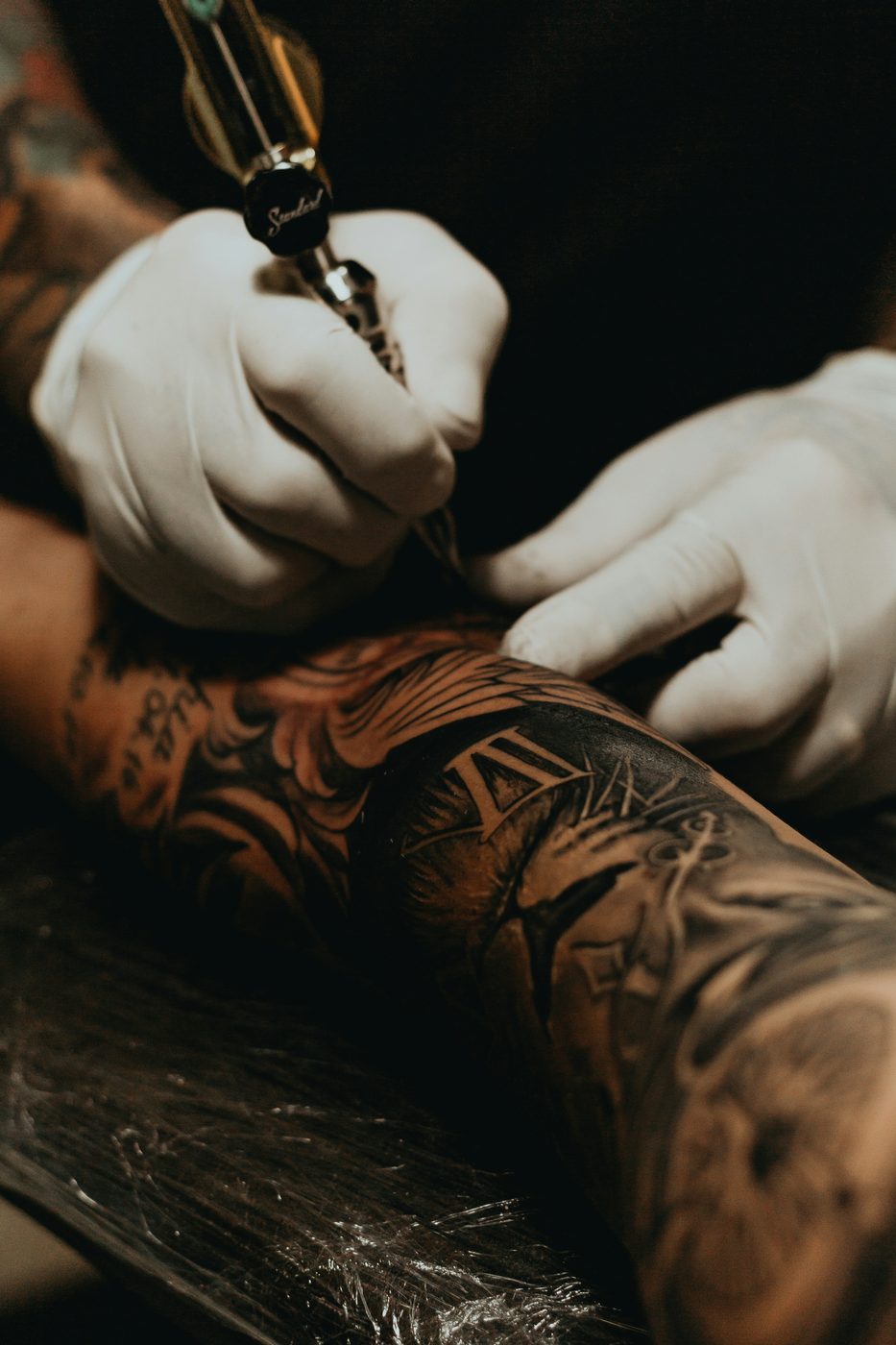
TL;DR: Tatulogue is an alt social app built for tattoo culture. You find artists by style and location, follow the ones you like, watch short video in Bangers, and read articles by topic. It's free to download on the App Store and Google Play, and it runs in a browser at app.tatulogue.com. Artists earn a Verified Artist badge after an admin reviews their documents.
Picture a tattooer in your city with twelve years in. Detailed Japanese koi. Spotless linework. A portfolio that stays consistent piece to piece over a decade.
Their Instagram posts barely move anymore. The work didn't get worse. The feed just stopped showing it to the people who'd actually sit for it.
That's the gap Tatulogue was built for.
The Problem: Instagram Wasn't Built for This
Instagram is built to keep people on Instagram. It serves what it thinks will pull engagement: saves, shares, time on screen. Matching you with the right tattooer for a piece that's staying on your body for life isn't the goal. We dug into the reach numbers in why Instagram is failing tattoo artists.
Hashtags get you a pile of posts. They don't get you artists near you who actually work in the style you want. So collectors fall back on word of mouth, which works if you know the right people. If you don't, you're guessing.
What Tatulogue Is
Tatulogue is an alternative social media app made for tattoos and tattoo culture, with search built around style, location, and actual posted work. Not a generic social network with a tattoo tab bolted on. Built for one job: connecting collectors with their local tattooers.
The App Store version went live on August 20, 2026, and the Android app followed on Google Play. Grab it from the App Store for iPhone, from Google Play for Android, or open the web app in a browser.
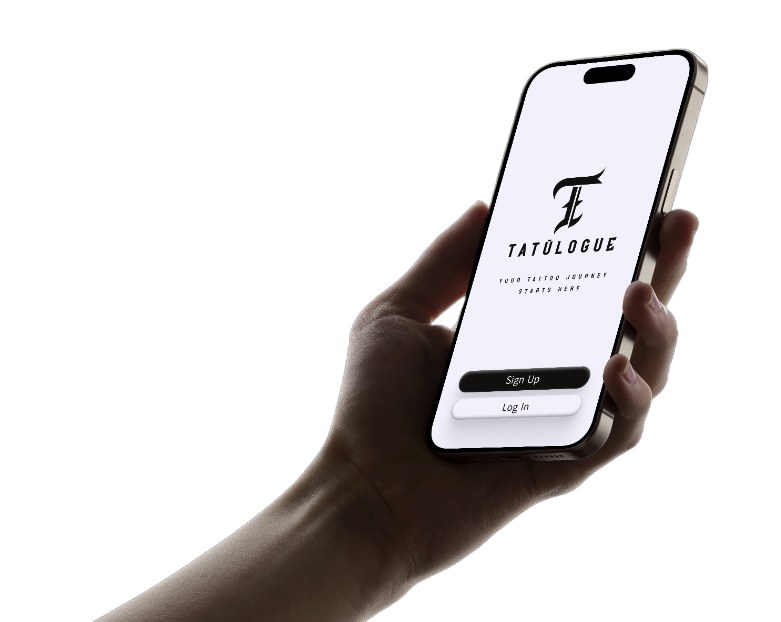
What You Can Actually Do in the App
Here's what's live right now, nothing more.
- Search by style and location. One search box covers users, content, and styles. Tap Artists Near Me, use your location or type a city, state, or zip, and set a radius. Advanced filters let you pick from a list of 30 styles, from Blackwork and Fine Line to Irezumi and Neo-traditional, and switch on Open Now or Accepts Walk-ins. Save a search as a preset so you don't rebuild it every time. Our search walkthrough goes deeper.
- A home feed with two tabs. For You is a ranked discovery feed that leans toward nearby artists. Following is the people you follow.
- Photos, carousels, and video. Post from your gallery or camera, add several photos to one post, or upload a video. Other people can like, comment, and save what you post.
- Bangers. A full-screen vertical feed for short tattoo video. Process clips, shop life, whatever. Here's what Bangers are.
- Articles and topics. Community articles are organized by topic, and anyone can write one by picking a topic, adding a title and body, and optionally a cover image and tags. Some topics are artists only, and only verified artists can join those.
- Messages. Message people directly or start a group chat.
- Profiles you can follow. Artist profiles have a Portfolio tab, and show the shop name and address. Follower and following counts sit on every profile.
- Safety basics. Everyone has to confirm they're 18 or older. You can report posts and block users. Sensitive posts are blurred by default, with settings to show or hide them.
How Artist Verification Works
A badge only means something if there's a check behind it. Here's the check, step by step, as the app runs it.
- The certificate question comes first. Artist signup asks if you have a valid bloodborne pathogen certificate. If you don't, the app points you to an Enthusiast account instead.
- Upload three documents. A government ID, your bloodborne pathogen certificate, and your tattoo license, each as an image or PDF. You can skip them at signup and add them later in Edit Profile, but you won't be verified until they're in.
- An admin reviews them. The documents go to private storage. A Tatulogue admin opens them from a review queue and approves or rejects the application.
- The badge shows up. Approved artists get a Verified Artist badge on their profile, plus a verified mark in posts, search results, and messages. They can also join artist-only topics.
One honest caveat: verification means paperwork was checked. It doesn't grade the work. Still read the portfolio, still ask about healed pieces, and use our guide on how to vet a tattoo artist. If you've ever been burned by a fake profile, tattoo scams and fake artist accounts is worth ten minutes.
Built for Both Sides of the Chair
The tattooer and the collector have different problems. The app is built around both.
If you're an artist: You've spent years building a hand and a body of work. Your portfolio should work for you, and people should be able to find you by style and location instead of hoping the last post got shown. Post your pieces, put process video in Bangers, write for the community, and get a verified badge once you've been checked.
If you're a collector: You know roughly what you want but not who to go to. The research is scattered across Instagram, Reddit, Google, and word of mouth. In the app you search by style and location, look at what artists actually post, follow the ones whose work holds up, and message them. When you sign up, the app calls collector accounts Enthusiast accounts.
How It's Different
Plenty of apps treat tattooing as a scheduling problem. Tatulogue starts from the other end: finding the right artist, seeing real work, and having a place where the tattoo community actually hangs out.
It also has a standing rule of no AI content on the platform. Protect the art, protect the artist. The reasoning is in why Tatulogue has no AI.
Getting Started
Download Tatulogue from the App Store or Google Play, or open it in your browser. Confirm you're 18 or older, choose Artist or Enthusiast, and sign up with email or Google. Artists, add your documents when you're ready and the verification steps above kick in.
Collectors who want to know the style landscape before they search can start with the tattoo styles guide. Artists can see the kind of people building on the platform in our artist spotlight series.
Get the App
Tatulogue is on the App Store for iPhone, on Google Play for Android, and at app.tatulogue.com on the web. Search your style, find the artist, follow the work.
FAQ
What is Tatulogue? Tatulogue is an alternative social media app made for tattoos and tattoo culture. You can discover artists by style and location, follow artists and collectors, watch short video in Bangers, and read and write articles by topic. It has a standing rule of no AI content on the platform.
Is Tatulogue free? It's free to download. The App Store lists it at a price of $0, and the Google Play listing shows a price of 0 USD. The Google Play listing is labeled "Contains ads."
Is Tatulogue on iPhone and Android? Yes. It's on the App Store for iPhone (iOS 15.0 or later) and on Google Play for Android. There's also a web version at app.tatulogue.com.
How do I find a tattoo artist near me on Tatulogue? Open Search, tap Artists Near Me, and either use your location or type a city, state, or zip code. Then set a radius and add styles in the advanced filters. You can also save a search as a preset to reuse later.
How does artist verification work? Artists upload a government ID, a bloodborne pathogen certificate, and a tattoo license as images or PDFs. A Tatulogue admin reviews the documents and approves or rejects the application. Approved artists get a Verified Artist badge on their profile and in posts, search results, and messages.
Who is Tatulogue for? It's for tattoo artists who want a place built for their work, and for collectors looking for the right artist. You have to be 18 or older to use it. When you sign up, you choose an Artist account or an Enthusiast account.